 Skip to content
Browser game · Junior
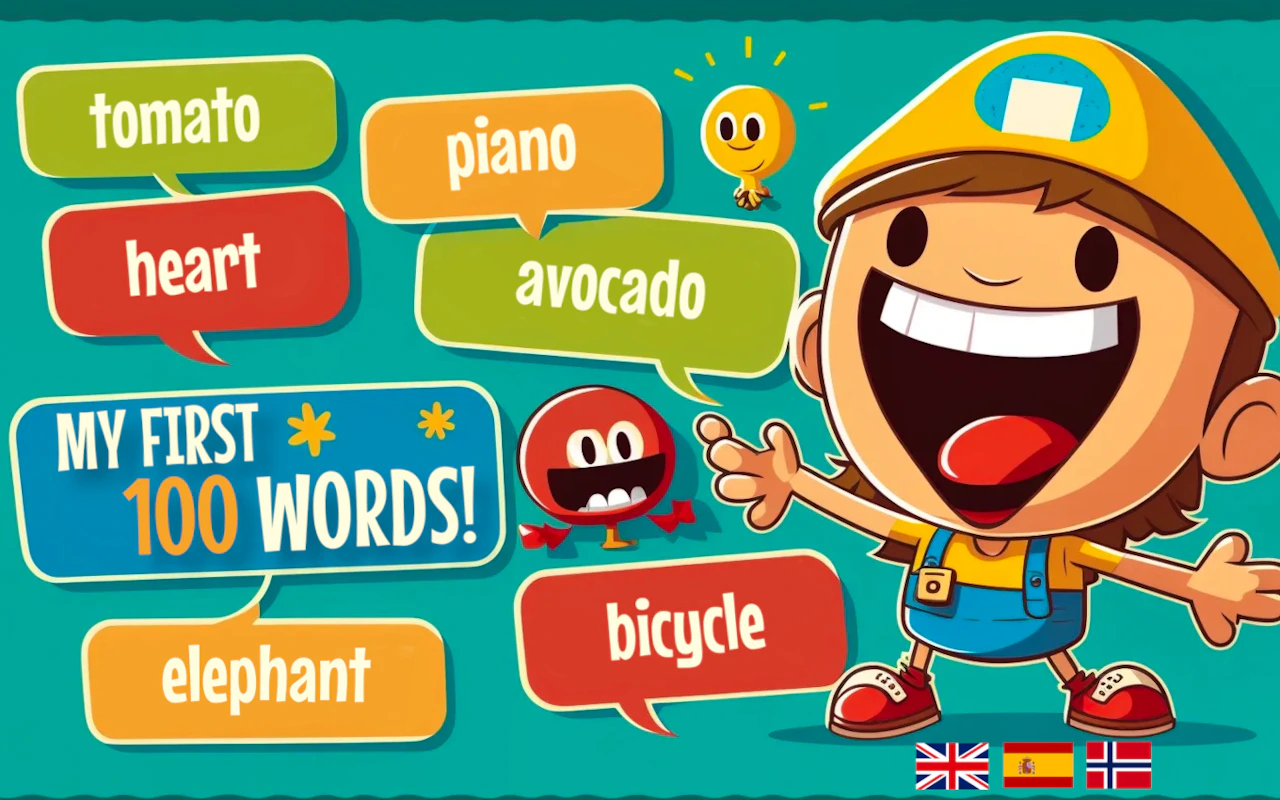
My First 100 Words
4.8Language game that teaches children words in several languages.
- Mobile + Desktop
- Touch + Keyboard
- Category
- Junior
- Score
- 4.8
- Device
- Mobile + Desktop
- Access
- Free Play
- Controls
- Touch + Keyboard
- Type
- HTML5 Game
The guide
Overview
Children spot emojis and hear the correct pronunciation across multiple languages. Challenges increase over time, building vocabulary and cultural awareness. It's portrait, so a phone held upright suits it.
What it's like to play
Junior games sit between the simplest toddler games and the full catalogue. They assume a child can follow a two-step instruction and read a short word or two, and they build from there. A session might be a gentle platformer, a counting puzzle, a coloring activity or a simple driving game. Stages are short, failure is soft, and the difficulty climbs slowly enough that a child can feel it.
Controls
- Tap, hold and swipe on phones and tablets
- Mouse or trackpad on a computer; arrow keys or WASD where the game asks for movement
- Press Escape or the exit button to leave the full-screen player
How to play
- 1Press Play and read or listen to the short instruction on the first screen; it tells you the goal of the stage.
- 2Use the arrow keys or on-screen buttons to move, and tap or click to pick things up or answer.
- 3Collect stars, coins or ticks as you go; they usually show how well a stage went.
- 4At the end of a stage, tap next to continue or replay to try for a better result.
Features
- Free to play, nothing to install, no account needed
- Loads in the browser tab and opens full screen when you press Play
- Designed for a phone held upright
- Touch controls on phones and tablets, mouse and keyboard on a computer
- Listed under Junior
Why it's worth a go
My First 100 Words gives a child a game that is theirs to manage. It is free, runs in the browser with nothing to download and no account, and the stages are short enough to finish before attention wanders. Parents can glance at the screen and see exactly what is happening.
Who it's for
Suits children of around five to ten who have outgrown toddler games but are not ready for faster, harder titles. Parents and older siblings may help with the odd instruction.
FAQs
What age is My First 100 Words aimed at?
Games in the Junior category are chosen for early school-age children, roughly five to ten. Younger children may manage with help, and older ones may find them a bit easy.
Does it require reading?
A little. Instructions are short and often paired with pictures or sound. A child who can read simple words will be fine; younger ones may need a hand.
Will it work on a tablet?
Yes. Tablets are a good fit, with touch controls for movement and tapping. A laptop works too, using the arrow keys.