 Skip to content

Browser game · Junior
2048
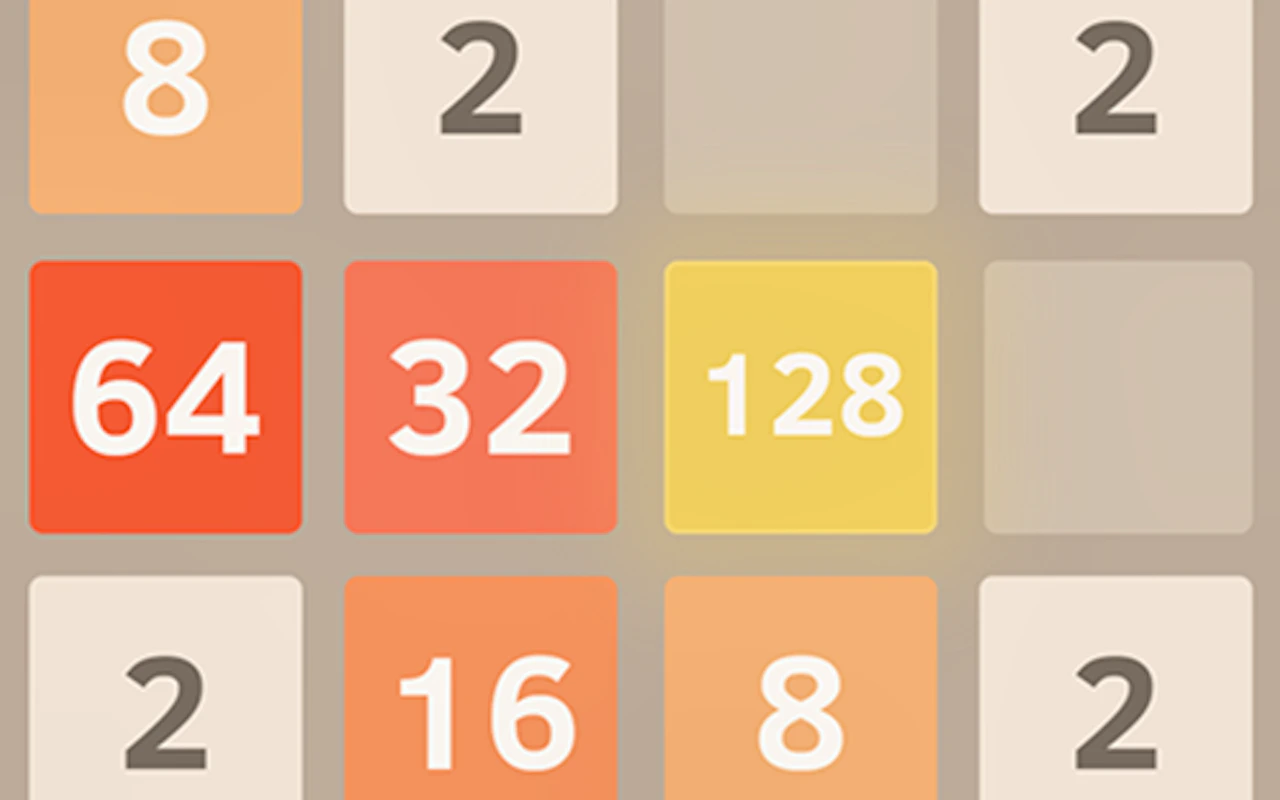
4.7Slide numbered tiles around a small grid and merge matching pairs to reach 2048.
- Mobile + Desktop
- Touch + Keyboard
- Category
- Junior
- Score
- 4.7
- Device
- Mobile + Desktop
- Access
- Free Play
- Controls
- Touch + Keyboard
- Type
- HTML5 Game
The guide
Overview
Every slide adds another tile, so the grid fills up unless you plan ahead. Keep paths clear and think a move or two forward. Matching tiles join into bigger ones until you reach the top number.
What it's like to play
Somewhere around age five or six, children want games with a bit more to them: a character to steer, a score to beat, a puzzle with more than one step. Junior games meet that. Sessions are still gentle and short, but there is a sense of progress through stages, and a little challenge to keep it interesting. Losing is soft and restarting is instant.
Controls
- Tap, hold and swipe on phones and tablets
- Mouse or trackpad on a computer; arrow keys or WASD where the game asks for movement
- Press Escape or the exit button to leave the full-screen player
How to play
- 1Start the game and look for the goal, shown as a picture or a short line of text at the start of each stage.
- 2Move with arrow keys on a computer or the on-screen pad on a tablet, and tap to jump, pick up or answer.
- 3Avoid obstacles and collect the items the game points out. They often count toward a star rating.
- 4If a stage is too tricky, go back to the menu and try another. Return to it later.
Features
- Free to play, nothing to install, no account needed
- Loads in the browser tab and opens full screen when you press Play
- Designed for a phone held upright
- Touch controls on phones and tablets, mouse and keyboard on a computer
- Listed under Junior
Why it's worth a go
2048 is free and runs in the browser without a download or account, which makes it easy for a parent to open and a child to play. Stages are short, instructions are simple, and the gentle climb in difficulty gives a child real wins to be pleased about.
Who it's for
Suits early primary children who can follow simple instructions and want a little more than toddler games offer. Good for independent play with a parent nearby, on a tablet or laptop.
FAQs
Can my child play 2048 without help?
Most children of six or older can, after watching the first stage. Younger children may need an adult to read instructions or help with controls.
Is it educational?
Some Junior games involve counting, letters or shapes; others are simply gentle fun. The description on the game page will say what it covers.
How long is a stage?
Usually one to three minutes. A session of five or six stages fits comfortably into a short break.