 Skip to content

Browser game · Kids
Going Right
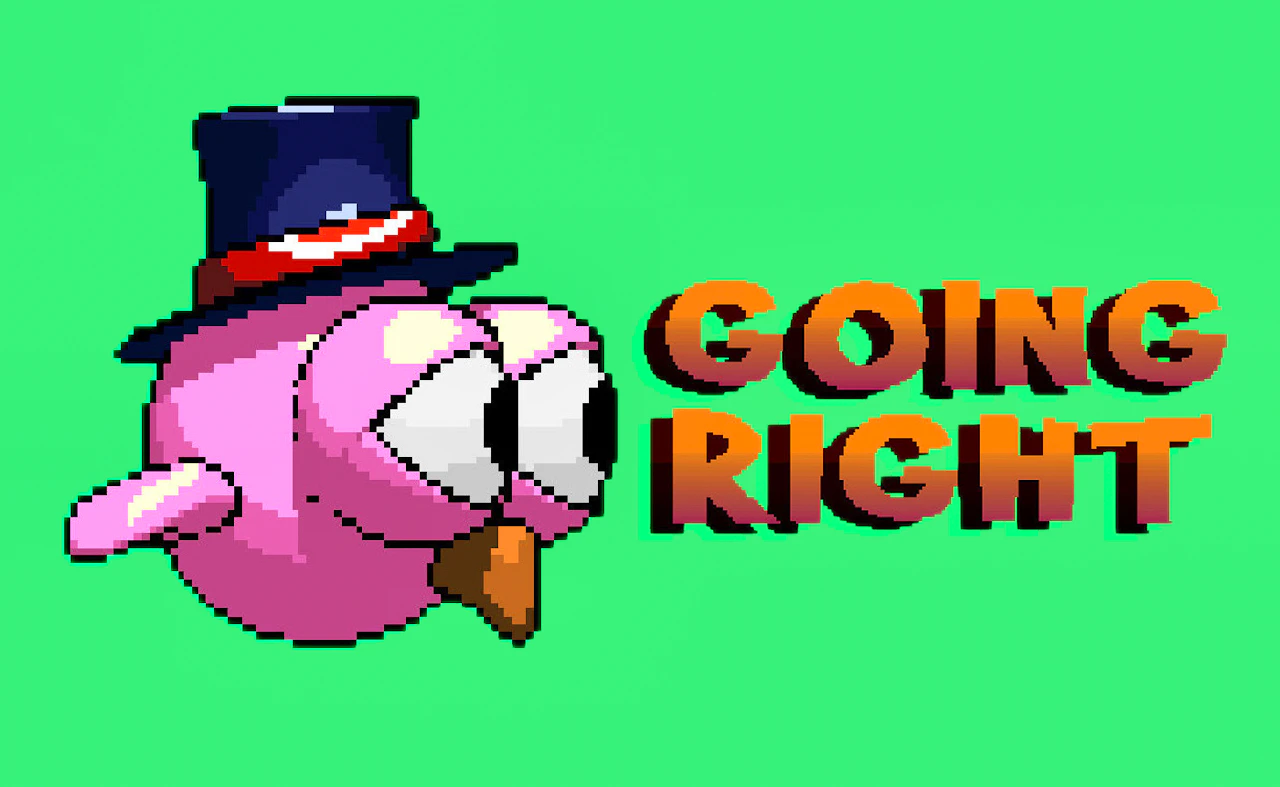
4.8Fly a bird home to its nest with one-touch controls, dodging obstacles on the way.
- Mobile + Desktop
- Touch + Keyboard
- Category
- Kids
- Score
- 4.8
- Device
- Mobile + Desktop
- Access
- Free Play
- Controls
- Touch + Keyboard
- Type
- HTML5 Game
The guide
Overview
Tap to steer the bird through hazards on the way home. There are several modes, and the coins you collect pay for customising your bird. Landscape suits a wider screen.
What it's like to play
Games made for kids keep everything big, bright and forgiving. The buttons are large. The goals are obvious. Mistakes are met with a gentle try again rather than a game over. A session might involve matching shapes, feeding an animal, dressing a character or hopping across a stream, and whatever it is, the pace is set by the child rather than a timer.
Controls
- Tap, hold and swipe on phones and tablets
- Mouse or trackpad on a computer; arrow keys or WASD where the game asks for movement
- Press Escape or the exit button to leave the full-screen player
How to play
- 1Tap the big Play button, then tap or click anything that wiggles, glows or bounces. That is the game showing what to touch.
- 2Follow the pointing hand or arrow if one appears. It will guide the first few actions.
- 3Drag items to where they belong, or tap in time with the music, depending on the game.
- 4Celebrate at the end of each stage and tap the arrow to go to the next one.
Features
- Free to play, nothing to install, no account needed
- Loads in the browser tab and opens full screen when you press Play
- Plays best with the phone turned sideways or on a wider screen
- Touch controls on phones and tablets, mouse and keyboard on a computer
- Listed under Kids
Why it's worth a go
Going Right is safe, gentle and free. It runs in the browser with no download or account, which means nothing to install and nothing to clean up. Children can play alone once they have seen the first stage, and parents can see the whole screen at a glance.
Who it's for
Suits young children, roughly ages three to eight, playing alone or with a parent nearby. Older siblings can help with reading. It is also handy for grandparents sharing a tablet with a grandchild.
FAQs
Is Going Right appropriate for a four-year-old?
Games in the Kids category are chosen for young children, with simple controls and no inappropriate content. A parent should still have a quick look at the first stage.
Does it need reading?
Mostly not. Kids games rely on pictures, arrows and sounds to show what to do. Any text is minimal and an adult can read it aloud.
Can my child play on a tablet?
Yes, and that is usually the easiest device. Tapping and dragging are natural for small hands, and the screen is large enough to see everything.