Skip to content

Most people do not pick a game. They scroll past forty thumbnails, tap the one with the brightest colours, lose interest inside two minutes and go back to scrolling. The problem is not that the games are bad. It is that shiny artwork tells you nothing about whether a game fits the next quarter of an hour of your life. The fix is boring: decide what you need before you look, then look at far fewer things.
The site is built around categories and short game pages, which makes this easier than it sounds. Below is the method, with games from the site's library as examples.
Start with the clock, not the catalogue
A big factor in whether you will enjoy a session is how well the game's natural length matches the time you have. A ten-minute break spent loading a management sim is a wasted break. An hour on the sofa spent restarting a one-tap arcade game gets tedious by the twentieth run.
For a few spare minutes, go for games built around one move. Dodge the Bull, Nova Hop and Boost Balloon are all listed as free casual games that load in the browser, so there is nothing to install and nothing to lose by trying one.
If you have somewhere between fifteen and thirty minutes, you want something with a sense of progression but no long setup. Merge games such as Merge Royal are worth trying here, as is a stunt game on spooky tracks like Moto X3M: Spooky Land.
For a genuinely free evening, strategy and simulation earn their keep. Defend the Castle and Garden Master are the kind of games, building and upgrading defences or tending plants, that suit sitting still and thinking, and Bus Driver Simulator 3D has a relaxed free mode as well as a racing one. Our strategy picks for brain training go deeper on this end of the spectrum.
Match the game to the hardware in your hand
This is the step most people skip, and it is the one that produces the most annoyed closing of tabs.
A game designed around a thumb on a portrait phone screen feels cramped and imprecise with a mouse. A game built for keyboard arrows is miserable on a touchscreen because your fingers hide the action. Before you press play, look at the controls and device information on the game page. It takes two seconds and saves a bad first impression.
As a rough rule, titles with "3D" in the name (Slope Racing 3D, Stickman Street Fighting 3D) tend to be happier on a laptop with a proper screen and a stable connection. Card and cup-guessing games such as Memory Cards or Three Cups Game are likely to matter less in this respect, but check the page anyway.
If your phone is a few years old or your laptop groans when a video plays, read our guide to games that run well on low-end devices first. Nothing kills interest faster than a stuttering frame rate, and it is rarely the game's fault so much as a mismatch.
Be honest about your mood
People lie to themselves about this constantly. You tell yourself you want a challenge, open a fighting game, lose three rounds and feel worse than when you started. What you actually wanted was to switch your brain off.
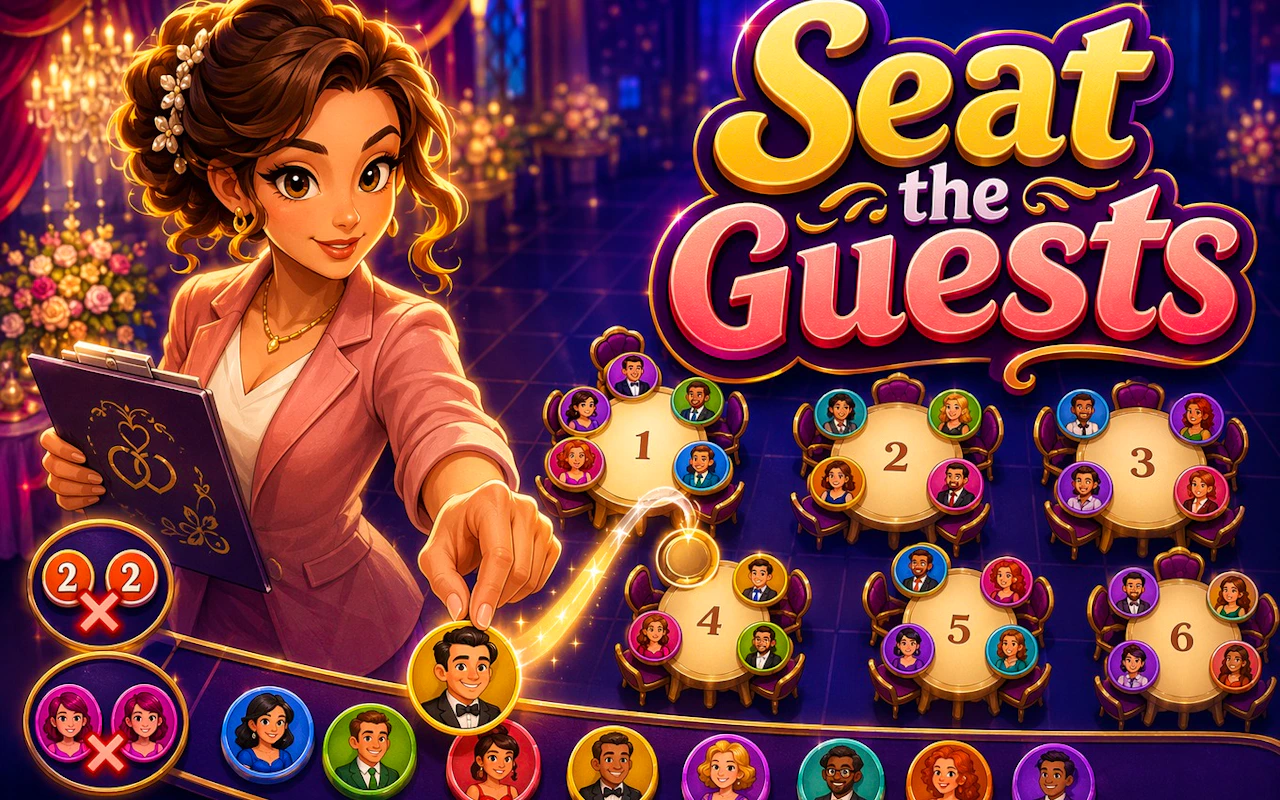
Here is one way to sort it. If you are tired, you want repetition with gentle feedback, which means matching or merging. Prism Match 3D and Flag Memory Match are both matching games, and matching suits a tired head. If you are restless or irritated, you want something to push against, and competition helps. Yenemy or a few penalties in Penalty Kick Wiz give you an opponent. If you want to feel productive without doing real work, sorting and managing games scratch that itch, and Dispatch Panic and Seat the Guests are two to try after a long day of actual logistics.
And if you just want something daft, the Arcade and Kids categories are full of it. Epic Duck and Skater Kitty are two to try from those categories, and wanting something daft is a perfectly good reason to open them.
Read the game page like a sceptic
The ratings on the cards tell you how well liked a game is, not how hard it is or whether it suits you. A high rating on a tower defence game means tower defence fans liked it. It says nothing about whether you will.
Instead, look at how the game describes its own controls and rules. Three short lines usually mean a gentle learning curve and a game you can understand in one round. A long list of inputs and modes means there is depth to find, which is great for a long session and a terrible fit for a lunch break. Maths games like Math Fight Club and Kobadoo Arithmetic are a good example: the titles make the subject obvious, but only the page tells you how fast or how forgiving each one is.
The category label matters more than the thumbnail. Puzzle games on this site cover a wide range, so if you want a shortlist grouped by the kind of thinking involved, our best puzzle games roundup is a safer starting point than the full wall.
Shortlist, then play one round each
Once you know your time, your device and your mood, open the matching category and ignore anything that fails even one of the three tests. You should end up with two or three games, not twenty.
Play a single round of each. Not a level, not ten minutes, one round. Then close them all and notice which one you are still thinking about. That is the one to go back to, and it need not be the one with the flashiest card.
Try this method the next time you catch yourself scrolling. Pick a time budget, check the controls, name your mood out loud if you have to, and open three games at most. You will spend less time choosing and more time playing something you actually like.
BengaliPath Editorial
Published June 6, 2026 · 5 min read